
Build-your-own boxes
Steps from any products or whole categories. Limit each step by minimum and maximum items, maximum of each product or maximum spend, and give a bundle discount.
Step-by-step build-your-own gift boxes, greeting cards with personal messages, and a slide-out mini cart for WooCommerce.
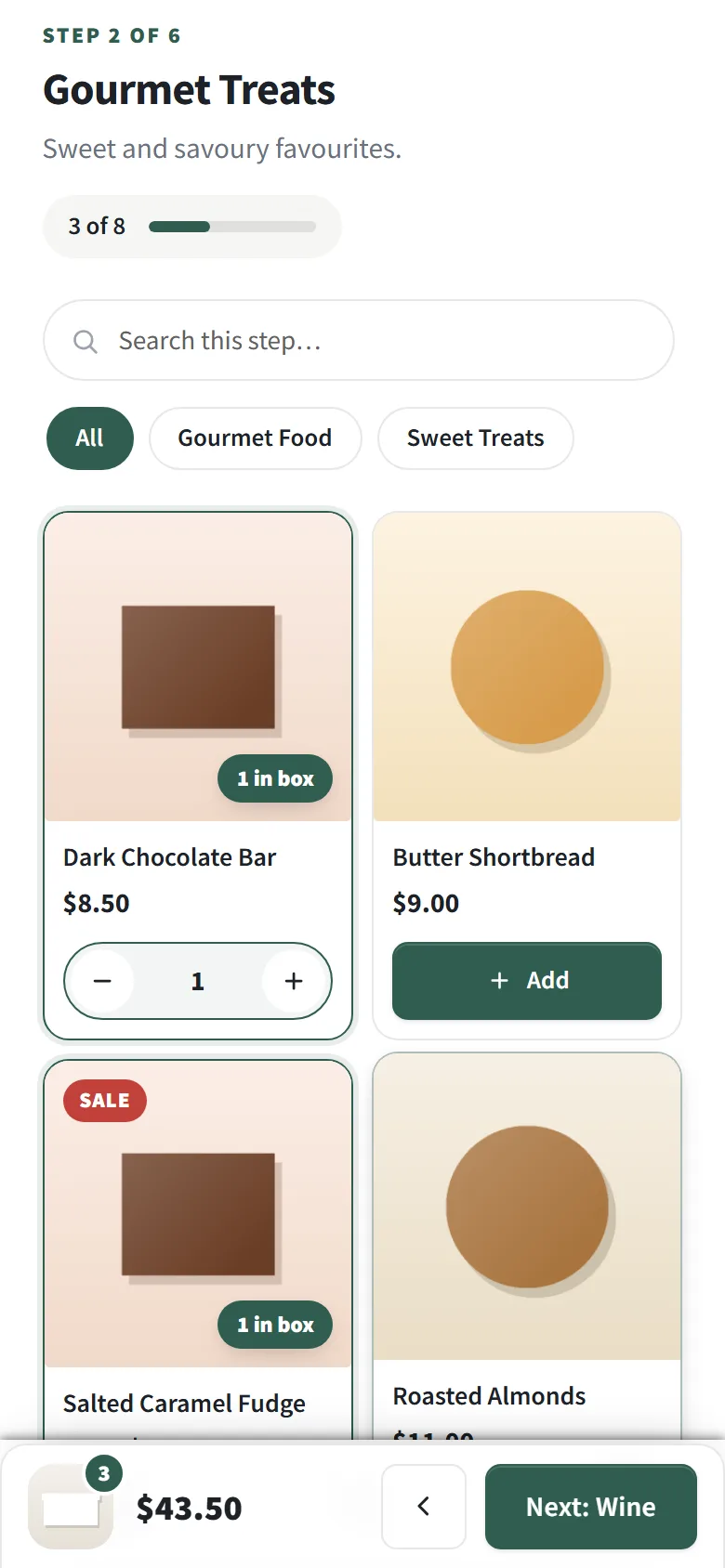
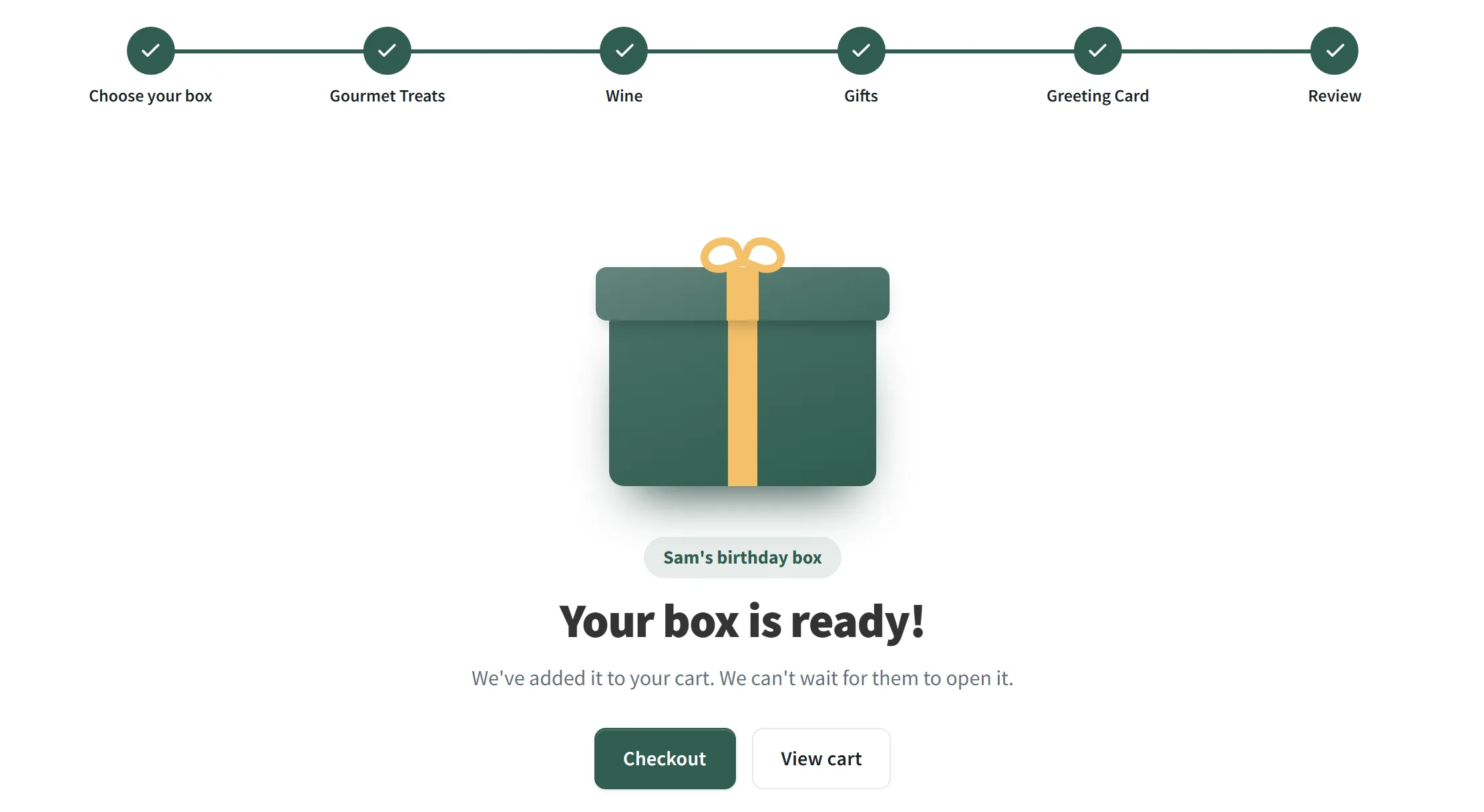
Shoppers pick a box, give it a name ("Sam's birthday box") and fill it from your product steps. Products fly into the box as they're added and the total counts up in a panel that follows them down the page.
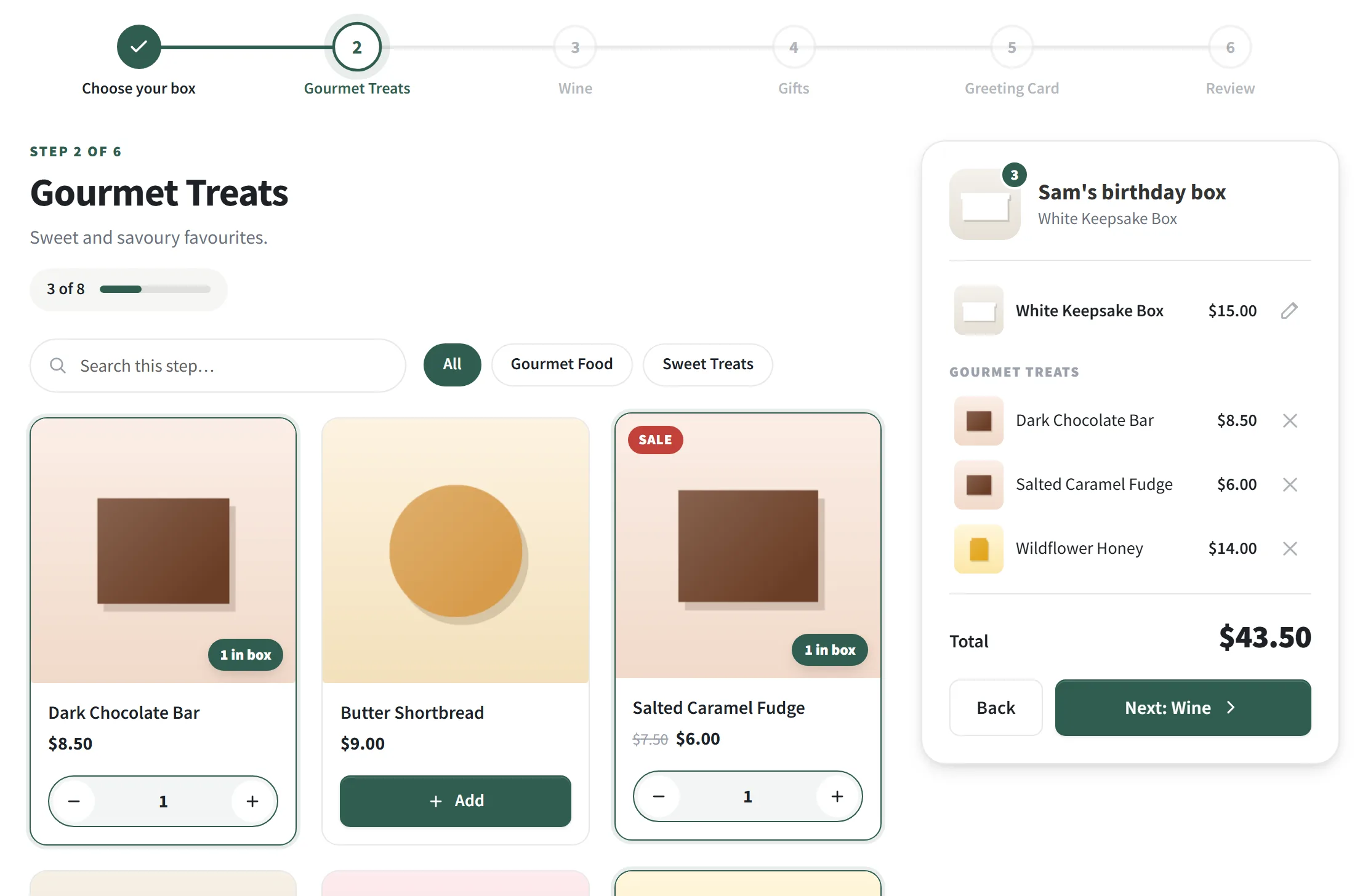
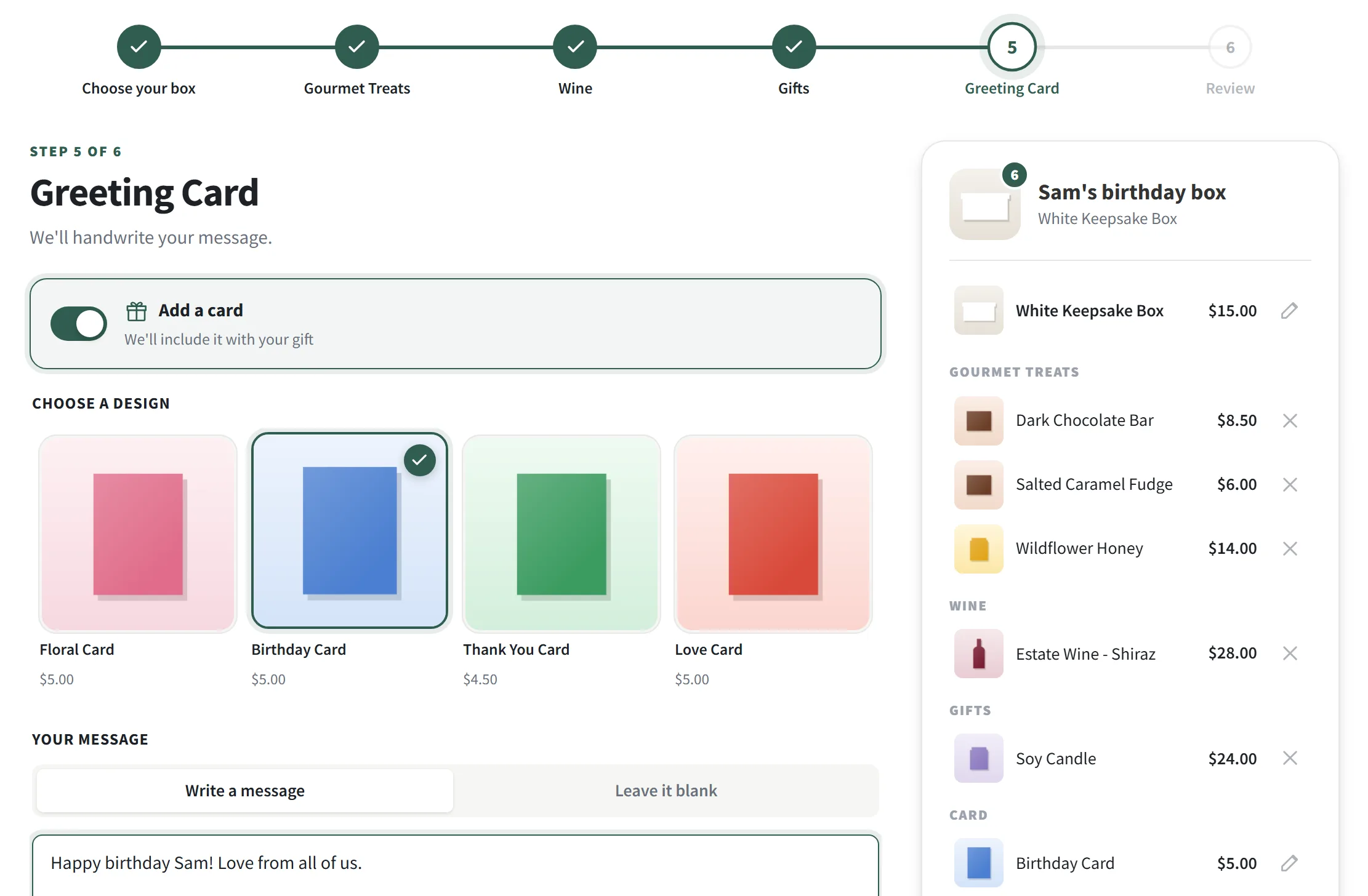
A card step lets them choose a design and write a personal message, or leave it blank for a handwritten note.
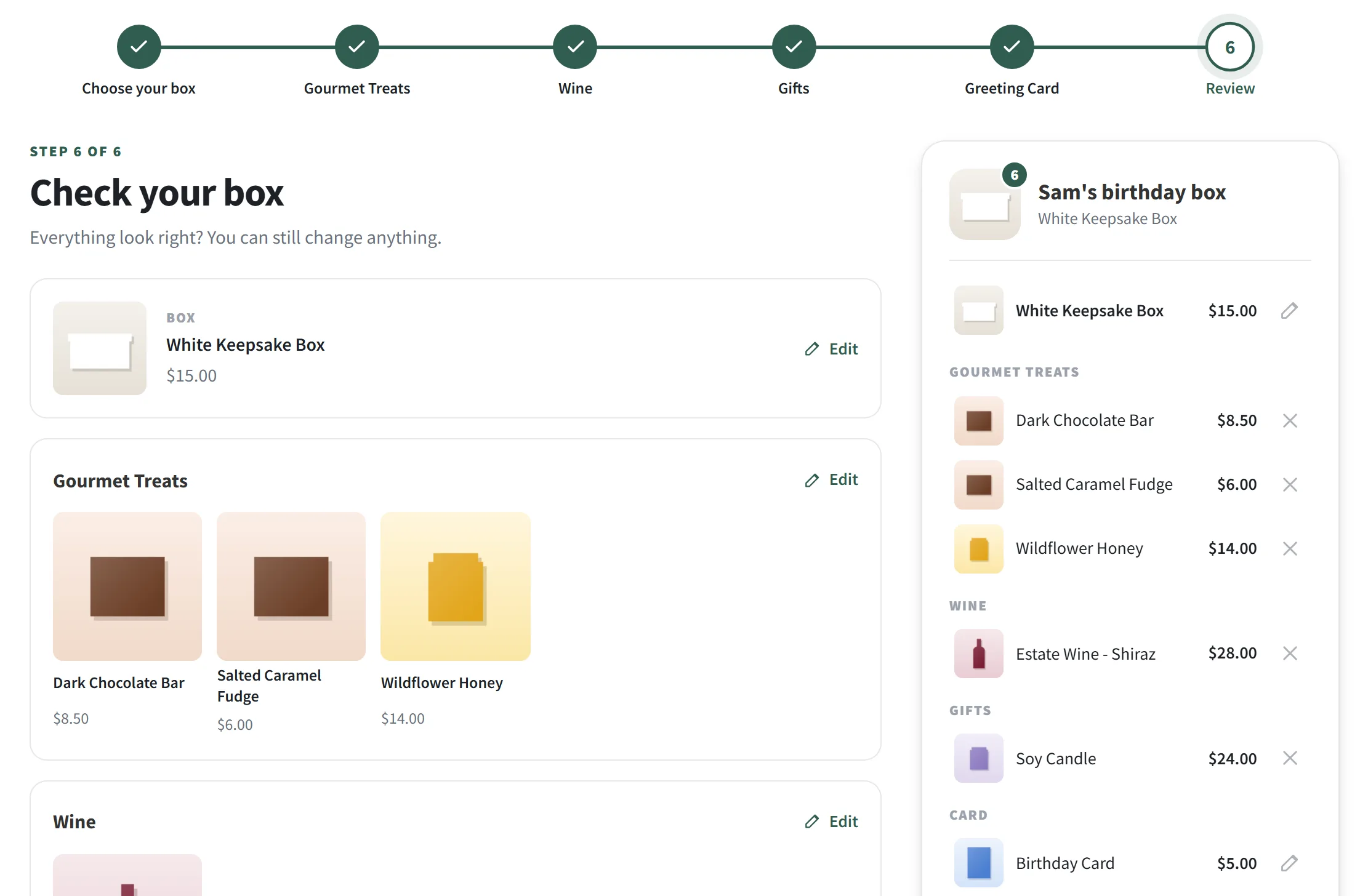
Every step on one page, each with its own edit link, and a clear breakdown of the box, items and card.
The whole box goes into the cart in one go. The lid closes with a burst of confetti, and the box name follows the order all the way to your packing slip.
Steps from any products or whole categories. Limit each step by minimum and maximum items, maximum of each product or maximum spend, and give a bundle discount.
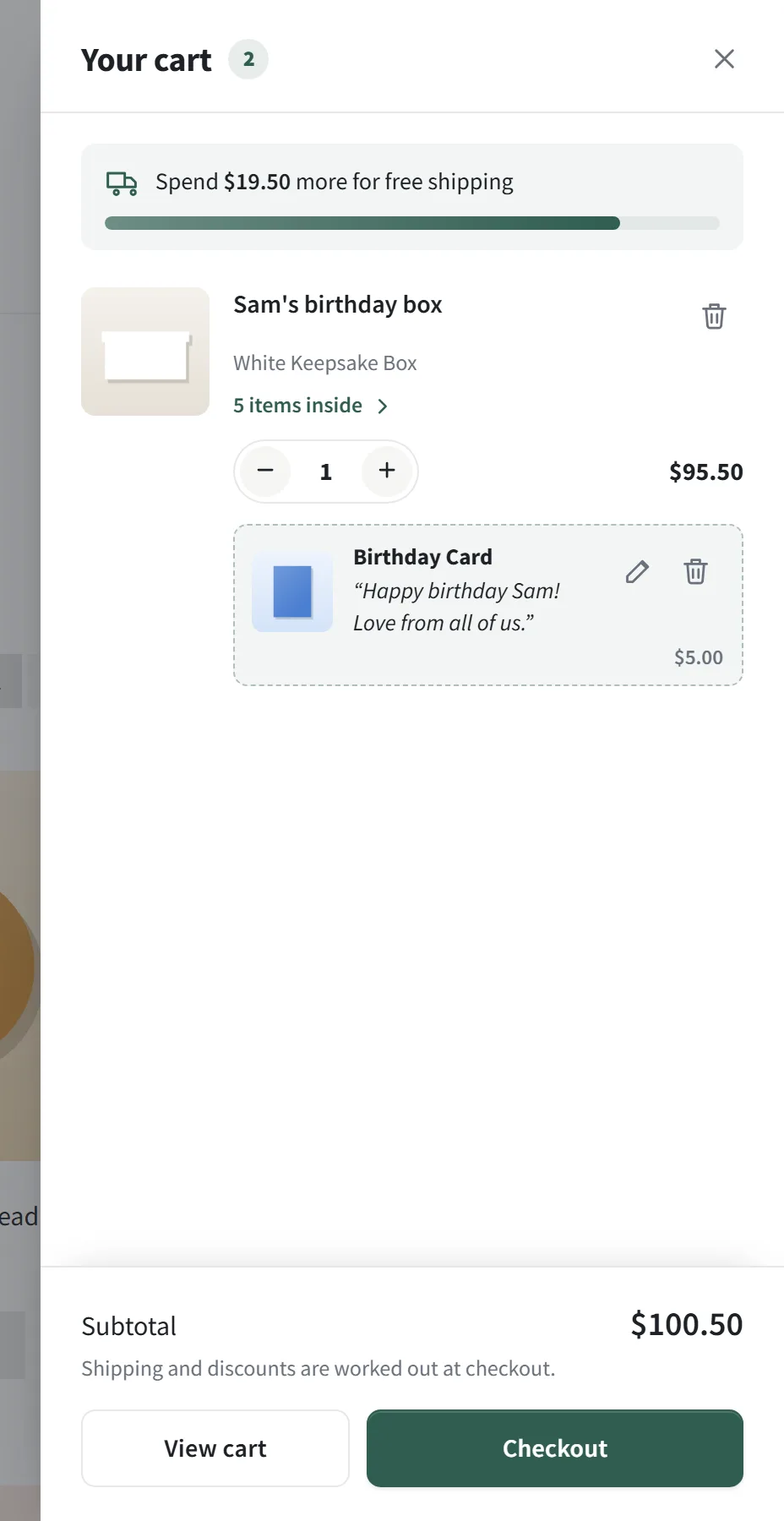
On product pages, from a quick-add popup on shop pages, in the cart or at checkout. A different message for each one they buy, edited right in the cart.
Opens from your theme's own cart icon, with quantity controls, undo on remove, bundle contents, in-cart variation changes and a free shipping bar.
$0
Waiting for WordPress.org review. It'll be a free download there once it's through.
$49/ year
Launch offer: $89.40 with code LAUNCH, until 31 December 2026.
Yearly: updates and support for a year. Lifetime: pay once, updates for life. 14-day money-back guarantee. Pay in USD, EUR, GBP or AUD.
Yes. Place the [bundle_builder] and [bb_cart_icon] shortcodes (and in Pro, [bb_checkout_cards]) in any shortcode or code module.
From a product category you choose in the settings. Every published, in-stock simple product in it is offered as a card design, in menu order.
Bundles, cards and the mini cart work with them. Nesting cards under their product on the cart page and the checkout card section need the classic (shortcode) Cart and Checkout pages.
In Pro, when you turn on "Reduce the stock of every item inside a bundle" in the settings. The box itself always has its stock reduced, like any product.
The builder adapts to the width it's given, whether that's full width, beside a sidebar or in a page builder column. The "Your box" panel keeps floating even in themes that break sticky positioning, and every template can be overridden from your theme.
Pro is a yearly or lifetime licence for one, five or unlimited sites. Yearly includes updates and priority email support for a year; lifetime is a single payment with updates for life. Checkout, licence keys and invoices are handled by Freemius; you enter the key in your WordPress admin to switch Pro on.
I build custom WooCommerce work too. Email me with what your store needs.